
See ‘live’ stock on the Queensland Globe stock route layer
A new addition to the Queensland Globe, a free online map, provides daily updates about stock movements across the stock route network. Updated daily, the interactive map now shows where stock is travelling, its direction of movement and areas under agistment, along with permit details.
How to access the Stock Route layer on the Queensland Globe
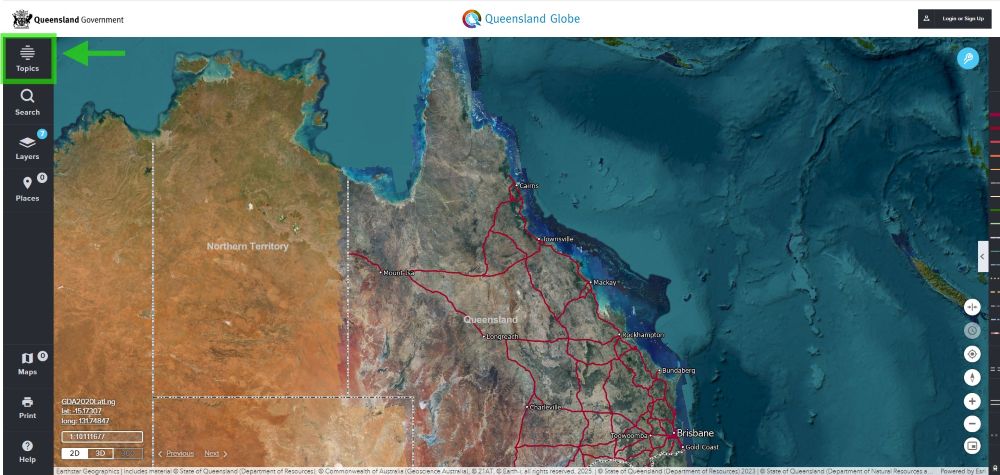
1) Visit The Queensland Globe
2) Select ‘Topics’ in the top left-hand corner
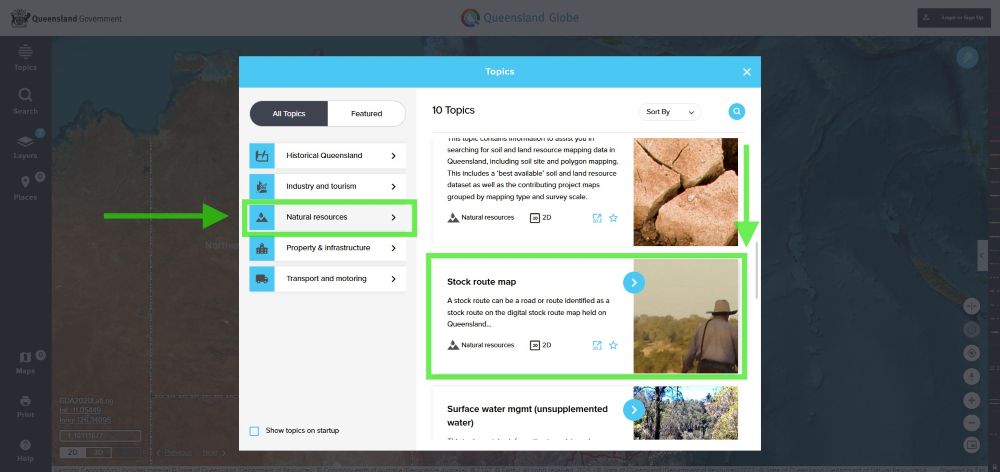
3) When the pop-up box appears, select Natural resources → Stock route map
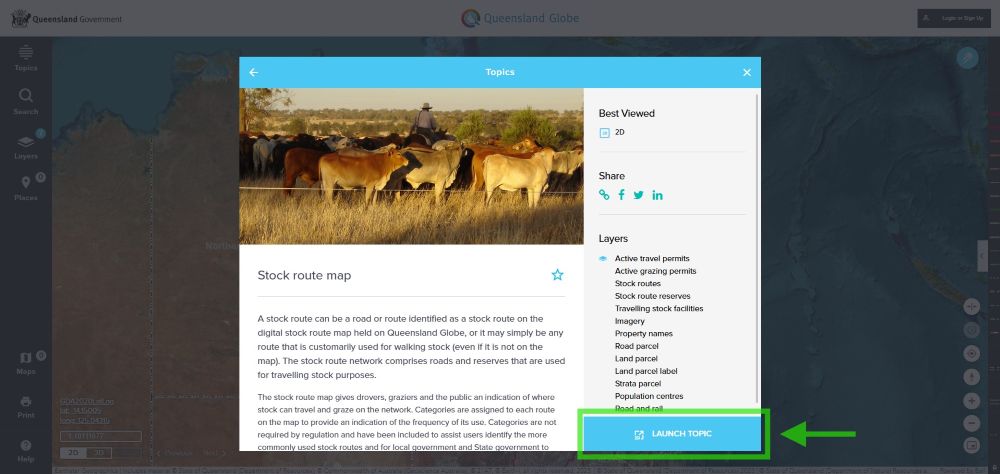
4) Click Launch Topic
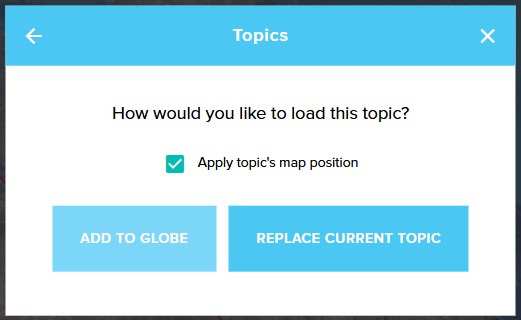
5) Click Add to Globe to keep existing data layers
How to navigate the Queensland Globe
Zoom into your area of interest
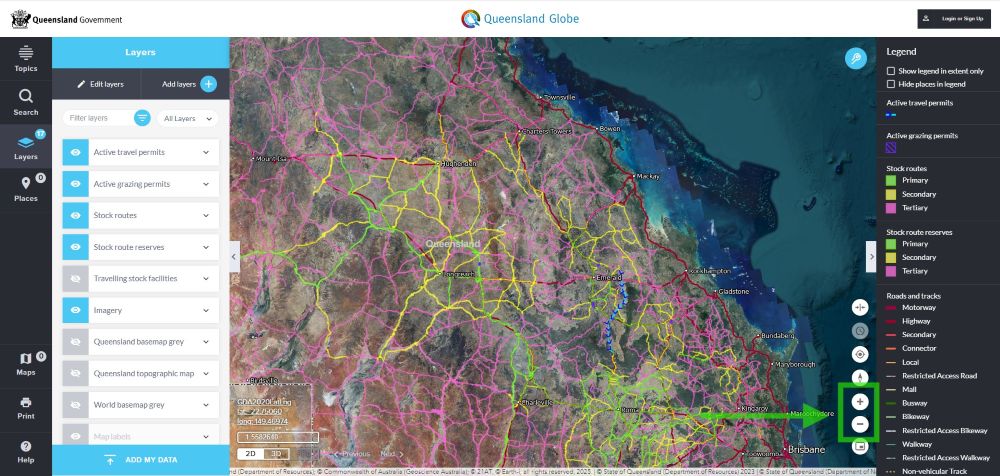
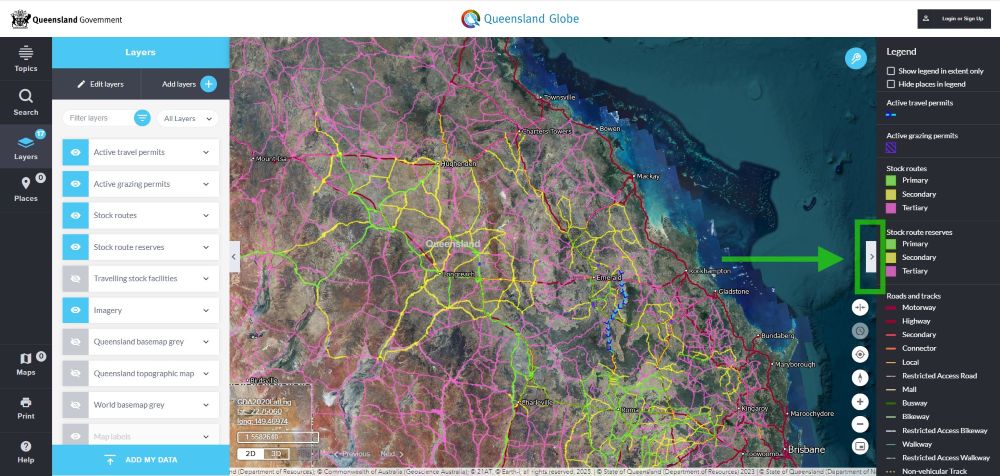
Access the map Legend
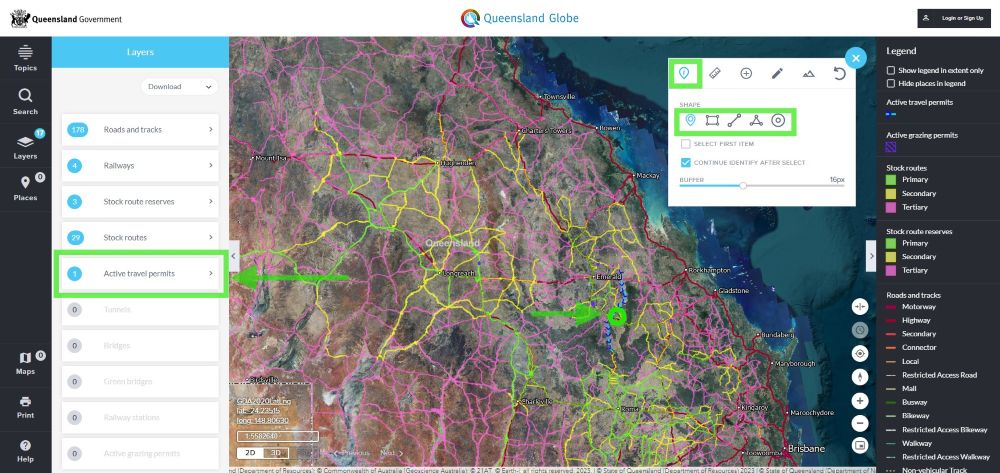
View active travel permits
1) Select the Tool icon (far right-hand corner), then the Identify (i) tool
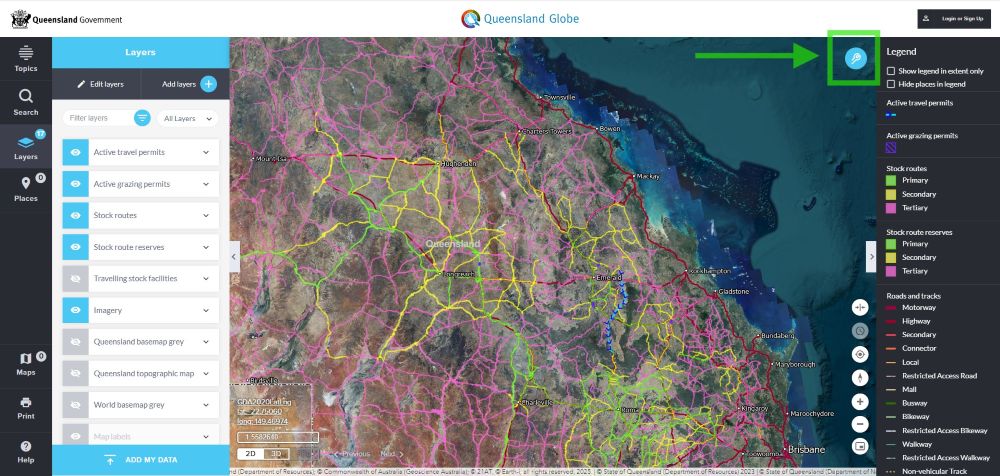
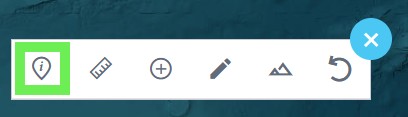
2) Click on an area marked with blue lines and arrows (active travel permits) and select active travel permit in the left-hand panel, to view permit details and travel dates.
View active grazing permits
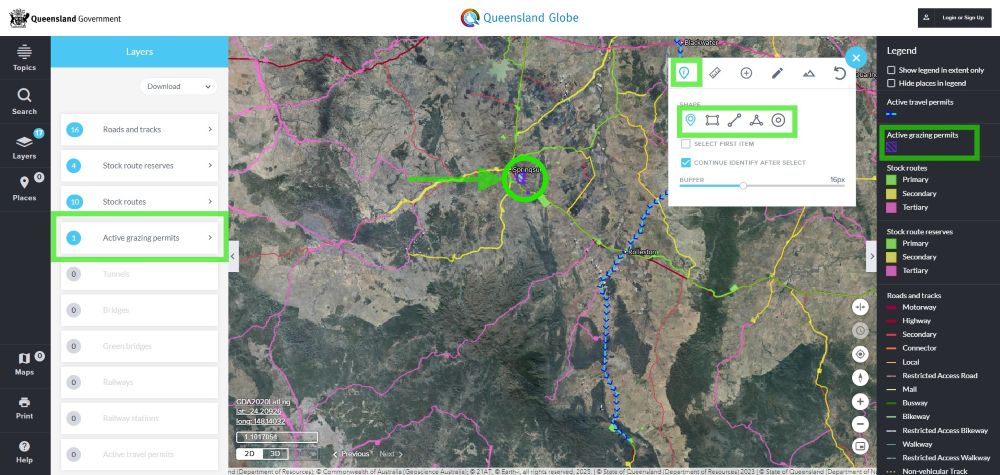
Select the Tool icon (far right-hand corner), then the Identify (i) tool.
Then click on an area shaded purple with lines (active grazing permits) and select active grazing permit in the left-hand panel, to view permit details and travel dates.
For more information, visit https://qldglobe.information.qld.gov.au/ or email
